Why a 22.5W Super Fast Charge PCBA matters in product planning
For a power bank or charging accessory, the 22.5W Super Fast Charge PCBA is usually the part that determines whether the finished product feels current or already dated. Buyers often focus on casing, battery cells, or capacity labels, but the board assembly is where charging behavior, user feedback, thermal limits, and compatibility are actually decided. If the PCBA is poorly matched to the product concept, a sleek enclosure will not save it.
That matters because today’s portable power products are being judged on more than just milliamp-hours. End users look at whether a device can charge a phone quickly, whether it supports the right ports, whether the display is readable, and whether the unit behaves safely under repeated use. For sourcing teams and product managers, the question is less “Can we build a power bank?” and more “Which PCBA architecture fits the target market without creating avoidable manufacturing risk?”
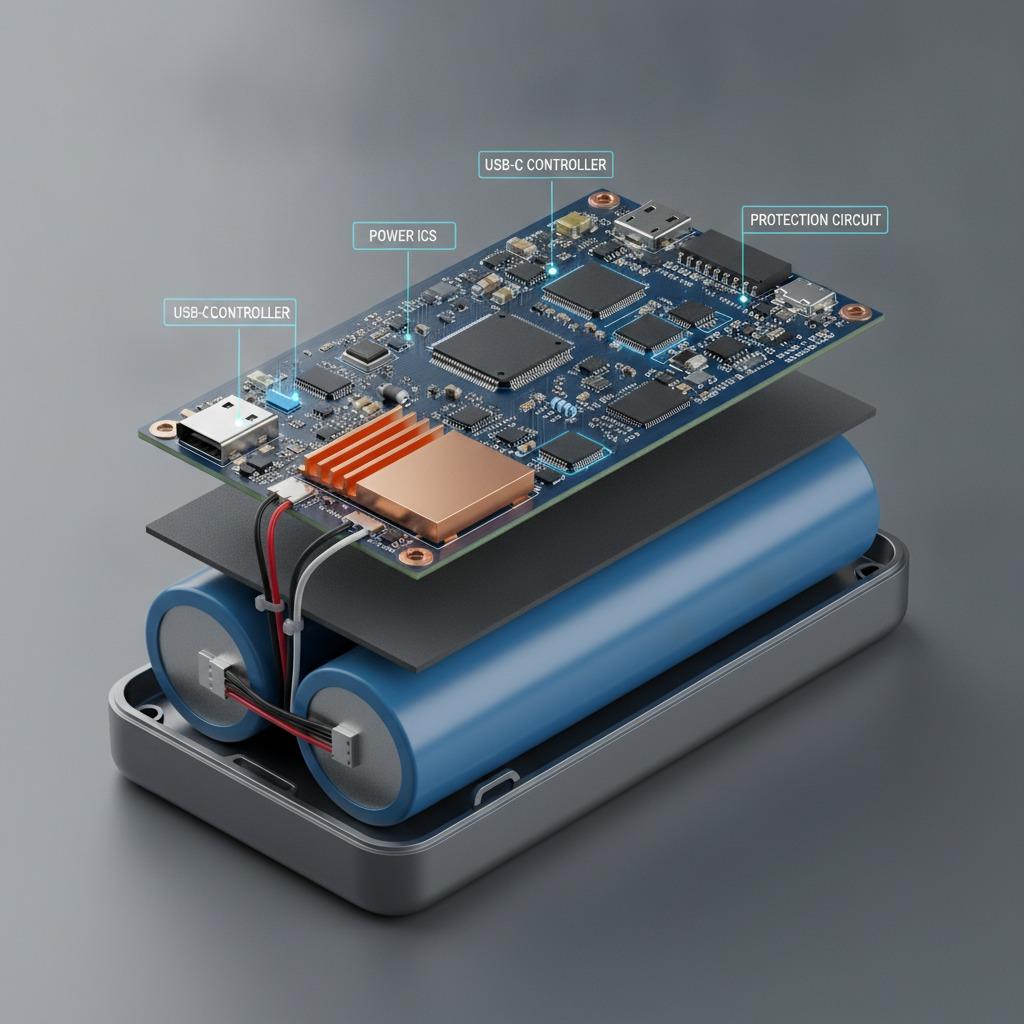
What this board is typically expected to do
A 22.5W fast-charge board is generally designed to support higher-output portable charging in a compact form factor. In practical terms, it needs to manage power conversion efficiently, communicate with connected devices, and keep temperature rise under control. The exact feature set depends on the design, but the market commonly asks for functions such as multi-protocol charging support, protective circuitry, and a clear user interface.
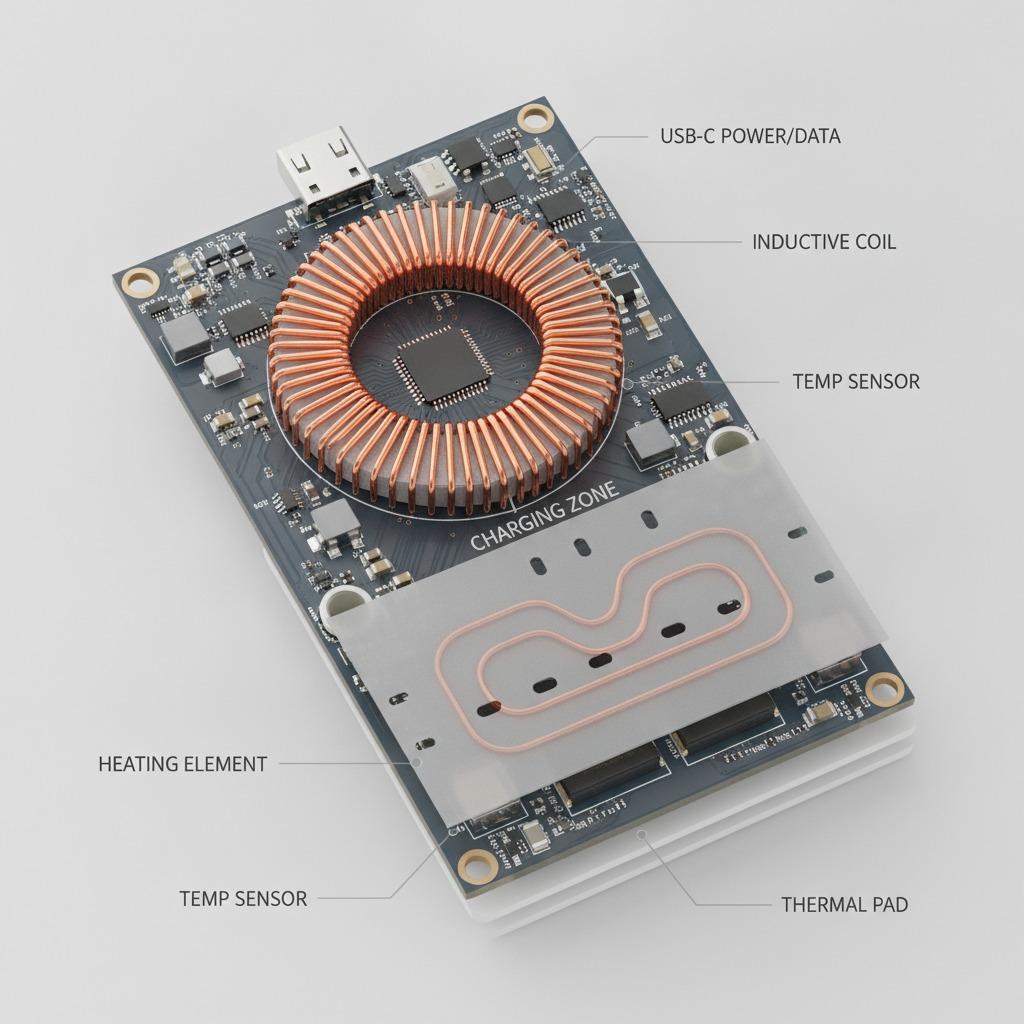
Related product types often include a Two-way Type-C PCBA for USB-C input and output, a Digital Display Power Bank PCBA for state-of-charge visibility, and wireless variants such as a Wireless Charging Power Bank PCBA or Magnetic Wireless Power Bank PCBA. These are not interchangeable parts. The board architecture has to match the intended industrial design, battery configuration, and charging experience.
Quick comparison: what buyers usually sort out first
Wired fast charge only
Best when the priority is lower BOM complexity and straightforward manufacturing. A wired-only board can be easier to integrate and may simplify mechanical layout, but it limits the product’s consumer appeal in some channels.
Two-way USB-C design
A Two-way Type-C PCBA is often the more flexible choice for modern portable chargers. It supports both charging the power bank and discharging to a device through the same port, which aligns with current user expectations and reduces connector clutter.
Display or wireless functions
A Digital Display Power Bank PCBA helps users understand remaining power, while wireless boards add convenience but also more design variables. Magnetic alignment, coil placement, heat behavior, and enclosure fit all become more sensitive. That extra comfort is real, but so is the complexity.
Selection criteria that actually affect production
Engineers and sourcing managers should look at the PCBA as a system, not just a wattage number on a spec sheet. The first question is whether the board supports the product’s charging strategy: single-port, multi-port, wired, or wireless. Next comes compatibility with the battery pack, because output claims and pack behavior have to stay aligned during discharge and recharge cycles.
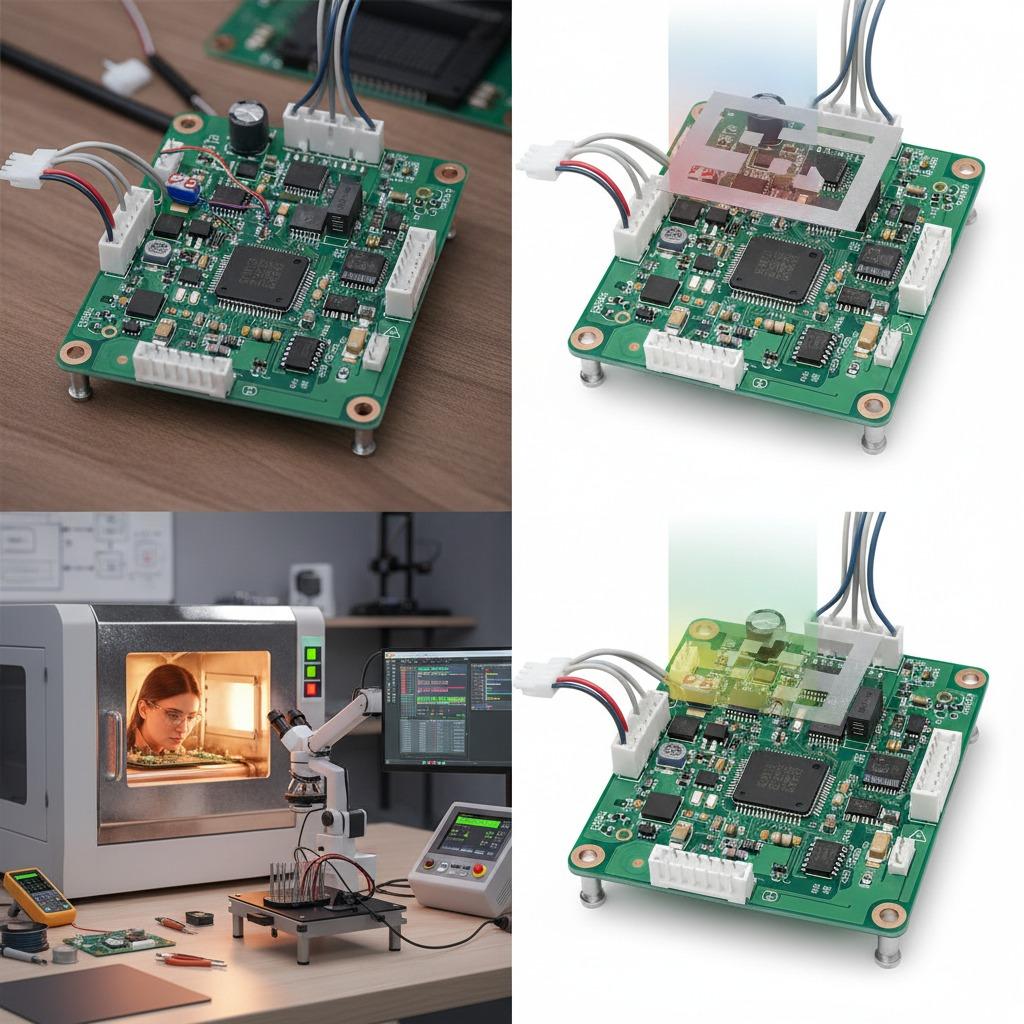
Assembly capability matters too. hcdpcba offers SMT贴片, PCB打样, 元器件代采, 组装, 测试, DFMA服务, and OEM/ODM support. For a buyer, that can shorten the handoff between design intent and pilot build, especially when the project needs both board fabrication and assembly under one roof. It also helps when procurement wants tighter control over parts sourcing and quality checks.
A practical caution: the fastest-sounding board is not always the most stable choice for a first production run. If the enclosure is tight or the thermal path is weak, pushing output without enough validation can create returns later. That is especially true for compact power banks, where heat has little place to go.
Common mistakes in fast-charge power bank projects
One common mistake is treating the board as a commodity and changing features too late in the development cycle. Another is selecting wireless or magnetic functions because they are popular, then discovering that the mechanical stack-up adds cost and rework. A third is forgetting that manufacturing consistency matters as much as peak performance. A board that works on one prototype unit but drifts during batch assembly is not production-ready.
It is also easy to under-specify testing. Since hcdpcba provides testing as part of its service flow, buyers should still define what they want verified: charging behavior, port function, display response, or assembly consistency. The cleaner the acceptance criteria, the fewer surprises during ramp-up.
How to evaluate a supplier before you commit
Ask how the supplier handles PCB打样, SMT贴片, and component sourcing together. If those steps are fragmented across multiple vendors, troubleshooting becomes slower and accountability gets blurry. For fast-moving consumer electronics, that delay can hurt launch timing.
You should also ask whether the team can support DFMA reviews early. A board that is easier to assemble often costs less to build and is less likely to fail during line production. That kind of feedback is not glamorous, but it is usually where margin is protected.
hcdpcba works across sectors including industrial control, security, medical, IoT, automotive electronics, AI, smart home, power, and communications. That breadth suggests the company is used to working with different product expectations, though any buyer should still review the exact build requirement for a power bank project before starting.
Practical buyer advice for RFQ and sample stage
When you send an RFQ for a 22.5W board, describe the battery configuration, desired ports, display needs, and whether the product includes wireless charging. If you need a Wireless Charging Power Bank PCBA or Magnetic Wireless Power Bank PCBA, say so early. Those design choices affect layout, component selection, and mechanical integration far more than many teams expect.
Also specify whether you are evaluating a prototype, pilot run, or production build. The same board family can be adapted for different phases, but the manufacturing approach should not be identical. Prototype projects may tolerate more iteration; production builds usually do not.
What decision this article should help you make
If you are choosing a charging board for a portable power product, the real decision is not only about output rating. It is about whether the PCBA, enclosure, battery pack, and assembly process can work together without forcing late-stage redesigns. For many teams, a well-supported 22.5W platform is a safer starting point than chasing a feature-heavy design that looks better on paper than on the line.
If your project is moving toward sample review or OEM/ODM development, it is worth discussing the board architecture, test scope, and assembly flow before committing to tooling. That early conversation usually saves more time than it takes.
Next step
For projects that need PCB fabrication, SMT贴片, component sourcing, assembly, testing, or DFMA support, hcdpcba can be contacted at +86 18924624188. A short technical exchange at the start often clarifies whether your 22.5W Super Fast Charge PCBA should stay simple, add a digital display, or move into a wireless or magnetic wireless format.