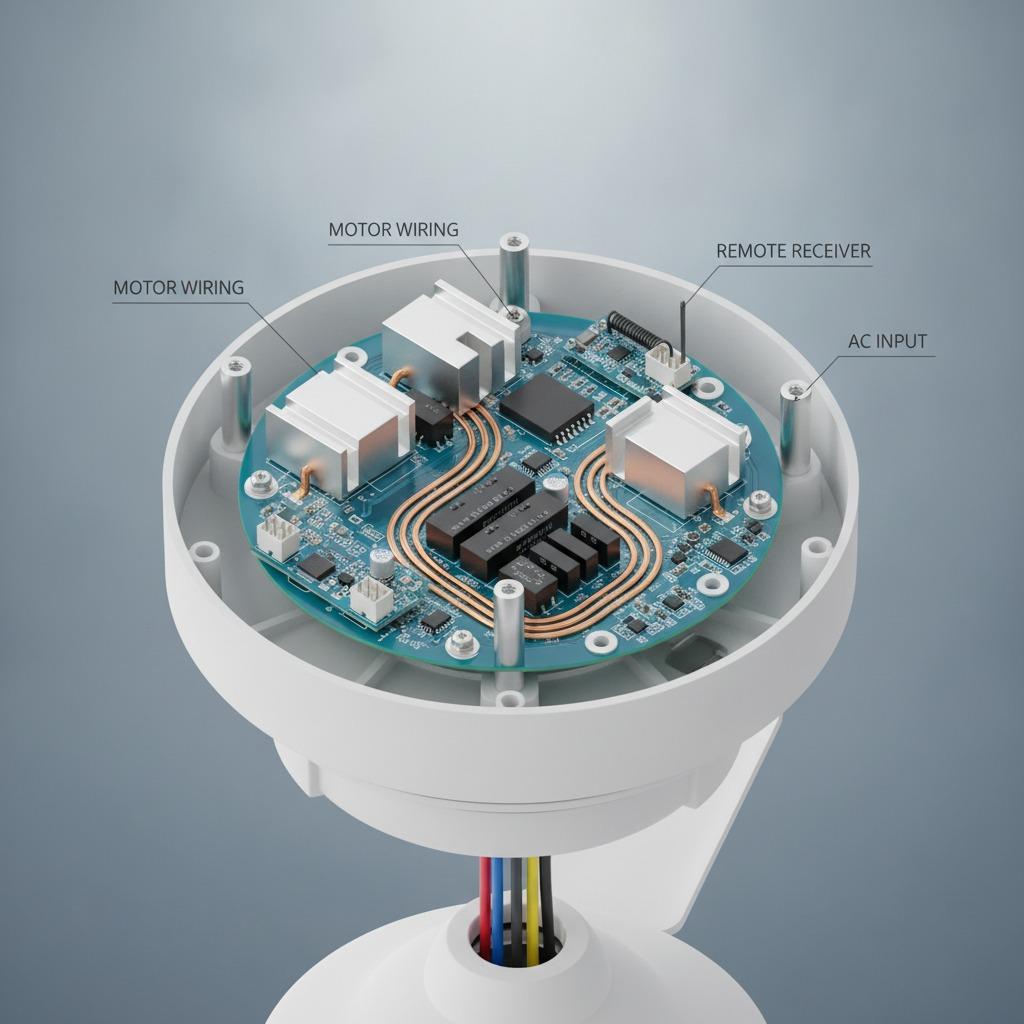
How to Select a 2.8 Inch TFT LCD for Embedded Equipment
A 2.8 Inch TFT LCD can give an industrial controller, portable instrument, or connected appliance a useful amount of visual information without taking over the front panel. The difficult part is not finding a display with the right diagonal measurement. It is making sure the screen, touch interface, power system, enclosure, and PCBA work together under the conditions of the finished product. This article explains the main selection points and shows where a manufacturing partner such as hcdpcba can support the move from prototype to production.
Why the Display Decision Matters
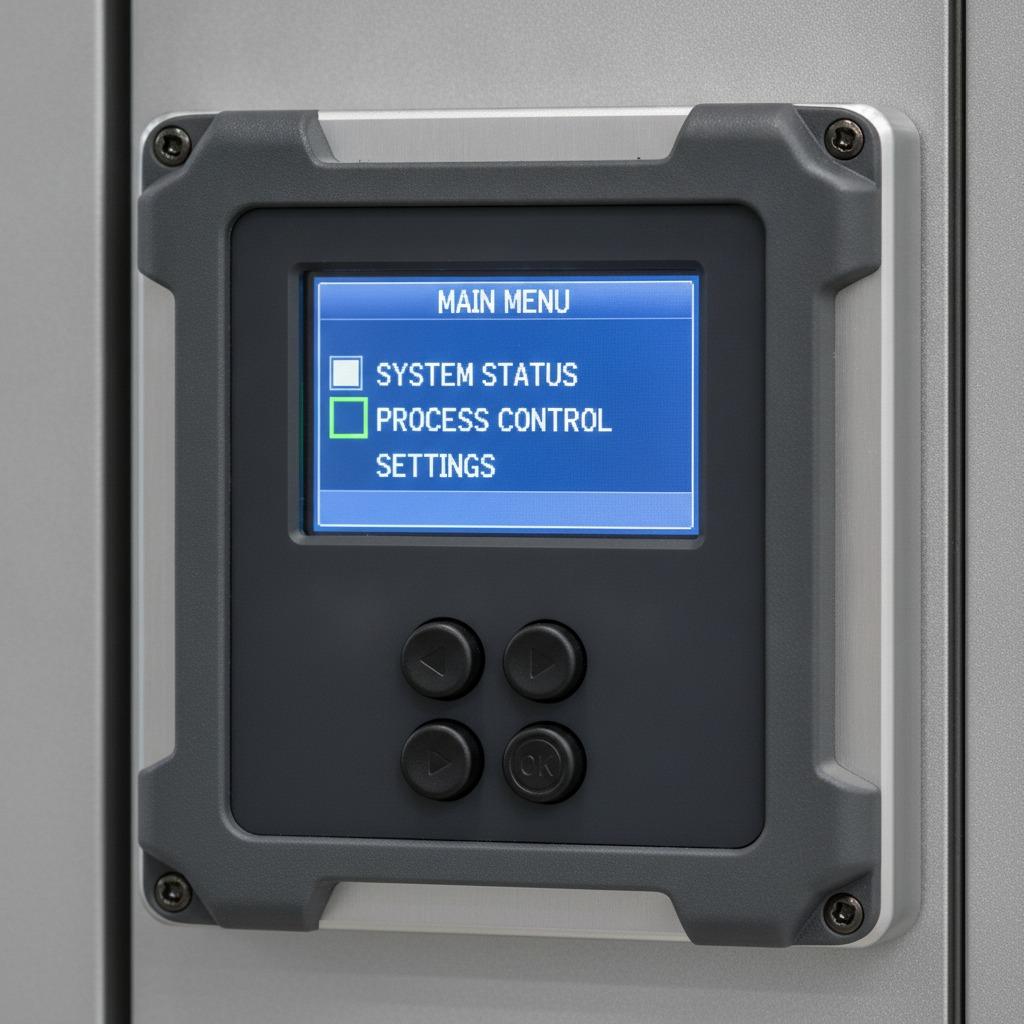
At 2.8 inches, every interface choice is visible. Small text can become difficult to read, touch targets may be too close together, and a connector or mounting feature can consume valuable board space. A display that looks suitable on a supplier drawing may still create problems during assembly if the flex cable bends sharply, the viewing direction is wrong, or the backlight places too much demand on a battery-powered design.
The practical decision is therefore broader than “which LCD should we buy?” Product teams need to decide whether the display is intended for status information, menu navigation, data entry, machine adjustment, or a combination of these tasks. That use case influences the need for touch input, protective glass, brightness, operating temperature, controller compatibility, and mechanical integration.
Quick Selection Guide
- For simple status screens: Prioritize readability, interface compatibility, low power consumption, and a straightforward mounting method.
- For operator menus: Consider a Resistive Touch Screen when users may wear gloves or when deliberate, stylus-based input is acceptable.
- For connected instruments: Check the relationship between the display controller, wireless module, processor, and available PCB area before fixing the enclosure.
- For battery-powered products: Review backlight use, sleep modes, display refresh requirements, and the charging and protection circuit as one power budget.
- For production programs: Confirm component sourcing, firmware support, inspection access, and assembly requirements early rather than after the prototype is complete.
Key Technical Factors
Resolution and readable information
Resolution should be selected according to the information density of the interface. A screen used for a few large values has different requirements from one showing graphs, menus, or multiple alarms. Engineers should review actual interface images at the intended viewing distance. This catches a common mistake: judging the display only by its specification sheet while overlooking whether labels and icons are usable in the field.
Color performance and viewing angle also matter. An operator standing beside a machine may not look directly at the panel. A display with acceptable front-view performance may be less effective when seen from above or from the side. If the product will be installed behind a window or protective cover, evaluate the complete optical stack rather than the bare module.
Touch method and front-panel conditions
A Resistive Touch Screen is often considered for industrial panels because it can respond to a finger, glove, or stylus and does not require the same type of electrical contact as some alternative touch technologies. It can be a practical choice for instruments where users press defined controls rather than perform frequent gesture navigation.
Touch selection must still account for the overlay, sealing method, expected actuation force, and long-term handling. Buttons should have enough spacing to reduce accidental activation. If the equipment is used with liquids, dust, gloves, or cleaning agents, the touch layer and front-panel construction should be reviewed together with the enclosure supplier.
Interfaces and the supporting PCBA
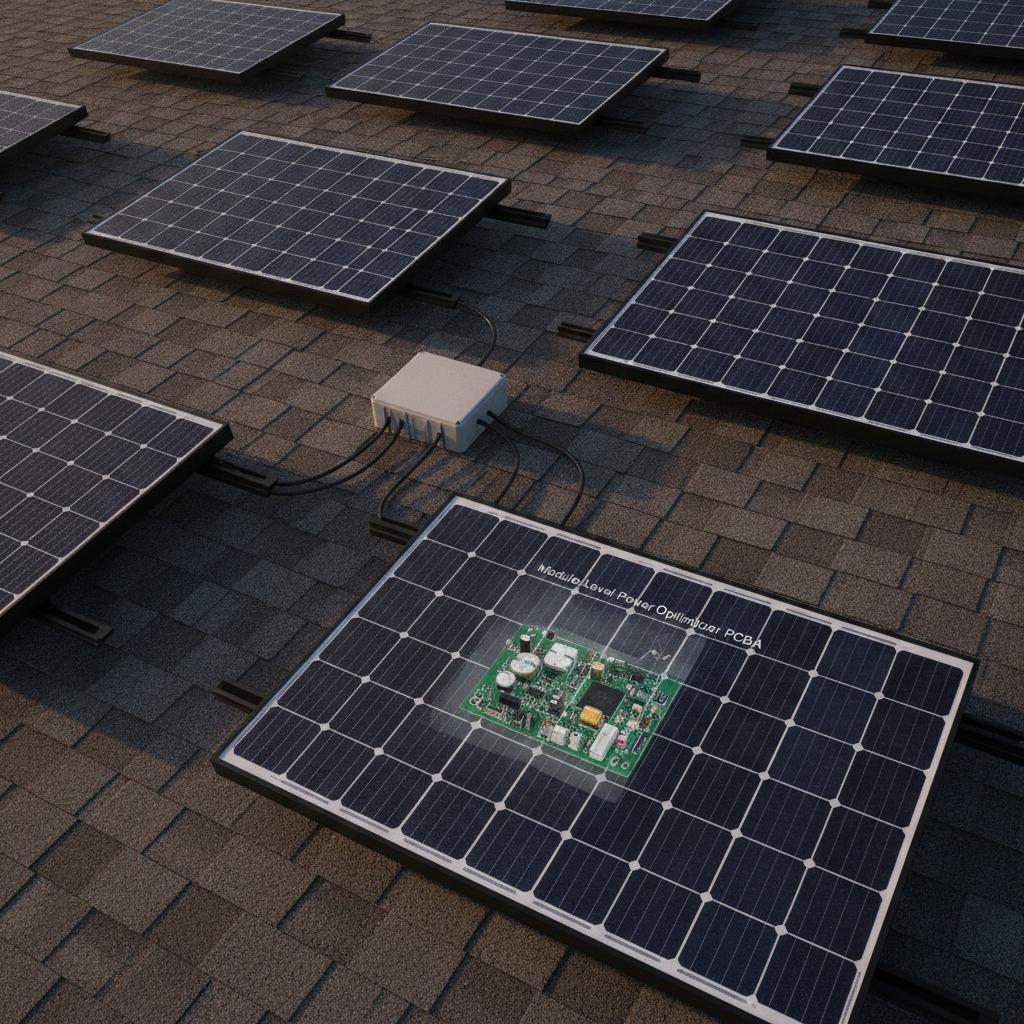
The LCD is only one part of the display system. The host processor must support the selected interface and timing requirements, while the PCB must provide appropriate routing, connector clearance, grounding, and power delivery. If wireless communication is included, a design using Bluetooth BLE should reserve attention for antenna placement and possible interference from the display cable, metal housing, or battery system.
For a connected control product, the result may be described as an IoT HMI Display Board: a board that combines the display interface with processing, communications, sensing, and user input. That architecture can reduce wiring and simplify the product assembly, but it also increases the importance of design-for-manufacture reviews. Signal integrity, thermal paths, test points, and service access should be considered before the board is released.
Power Design for Portable Products
Display power is frequently underestimated because engineers focus on the processor and wireless module. The backlight can become a significant load, particularly when the product is expected to remain visible for long periods. Brightness control, automatic dimming, screen timeout, and wake-up behavior should be defined at the firmware and hardware levels.
A design involving Lithium Battery Charge functions also needs a clear charging strategy, battery protection, connector specification, and thermal review. The exact charging solution depends on the cell, operating current, enclosure, and regulatory requirements; it should not be selected merely because it fits the board outline. Prototype measurements under realistic operating modes are more useful than a nominal current estimate alone.
Manufacturing and Integration Questions
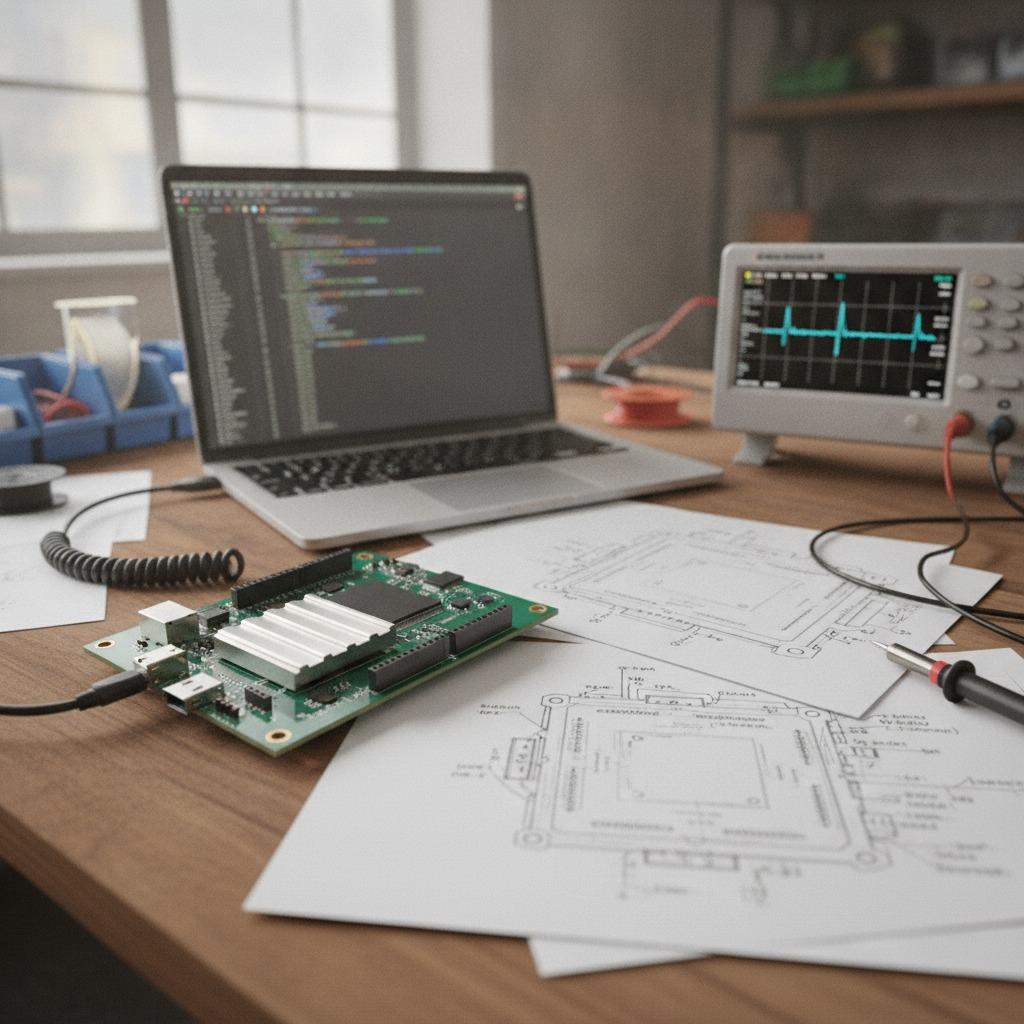
Before placing an order, ask the display supplier for the mechanical drawing, active-area dimensions, connector details, recommended drive conditions, operating-temperature information, and any available controller documentation. Then compare those details with the latest enclosure and PCB files. Display modules can change the location of screw bosses, cable exits, spacers, and front-panel openings.
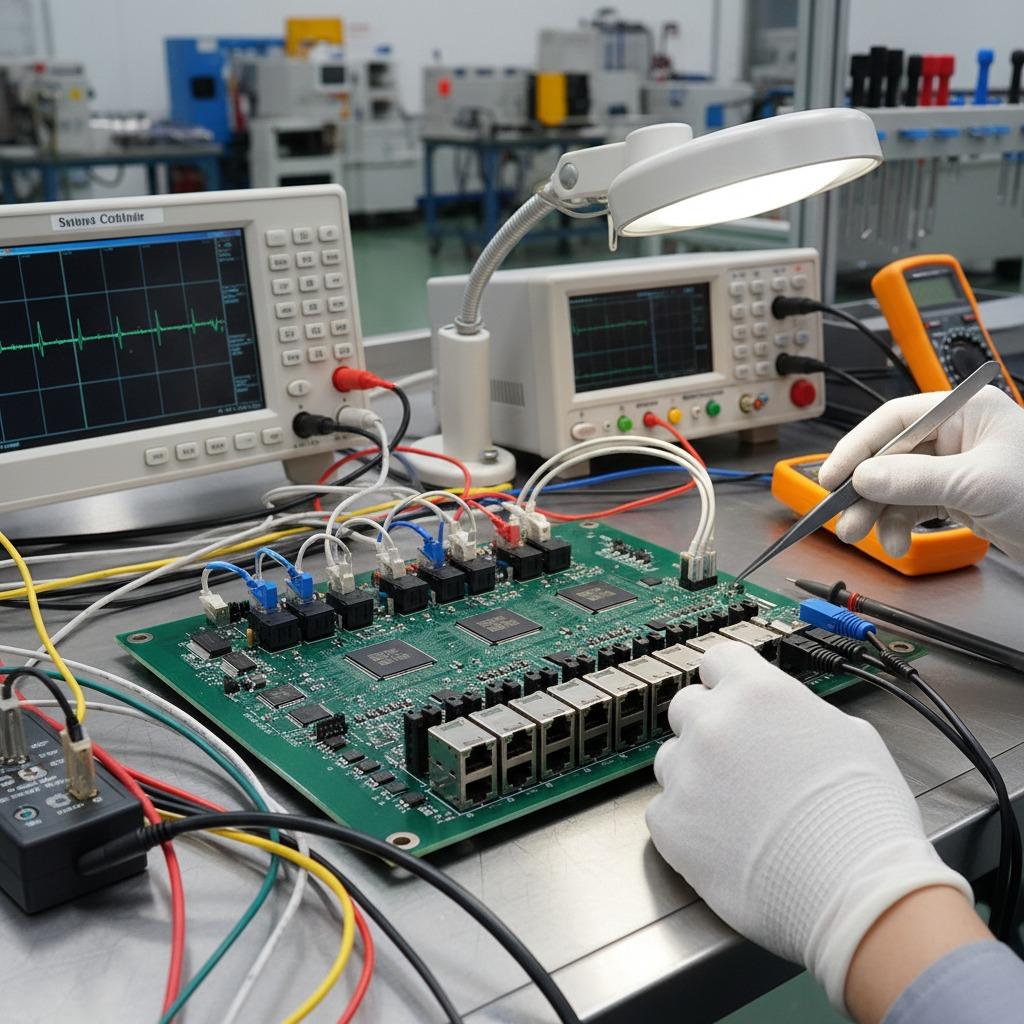
hcdpcba provides PCB prototyping, SMT placement, component sourcing, assembly, and testing services. Its stated capabilities include multilayer, HDI, and high-frequency PCBA work for sectors such as industrial control, medical electronics, automotive electronics, communications, and IoT equipment. For a display-based product, this type of support can be useful when the project requires coordination between the module, the board, and the assembled unit rather than purchasing the LCD as an isolated component.
The company also offers DFMA analysis, OEM, and ODM support. A sensible request is to review the display connector, board outline, mounting method, component availability, and inspection points together. This does not eliminate all design risk, but it can expose avoidable assembly problems before tooling or volume production begins.
Common Buyer Mistakes
- Choosing by diagonal size while ignoring active area and bezel dimensions.
- Assuming a touch panel is included without confirming the complete module configuration.
- Leaving cable routing and connector access until the enclosure is already fixed.
- Using a brightness target without checking battery life and heat generation.
- Approving the prototype without testing gloves, viewing angles, cleaning conditions, and startup behavior.
- Failing to clarify the approved component list and possible substitutions before production.
Buyer FAQ
Is a 2.8-inch display suitable for industrial equipment?
It can be, particularly for compact instruments, local machine controls, meters, and status interfaces. Suitability depends on viewing distance, text size, environmental conditions, and the number of functions placed on the screen.
Should every 2.8-inch LCD include touch?
No. A non-touch display may be preferable when controls are handled by physical keys, rotary switches, or a remote interface. Touch adds capability but also adds integration, durability, and validation considerations.
What should be sent for a manufacturing review?
Provide the display part information, PCB files, schematics, enclosure constraints, expected operating environment, battery details if applicable, and the intended production quantity. Early information allows the manufacturer to comment on sourcing, assembly, testing, and DFMA issues with fewer assumptions.
Next Step
Start with the user interface and mechanical envelope, then validate the display interface, power budget, touch method, and board assembly as a single system. hcdpcba can be contacted at +86 18924624188 for discussion of PCB prototyping, SMT placement, component sourcing, assembly, testing, and OEM or ODM requirements. The most useful first conversation will include the current display candidate and the problems the finished product must solve.