Why the ESP32-S3 development board matters for product teams
An ESP32-S3 development board is often the fastest way to move from concept to a connected prototype without locking yourself too early into custom hardware. For engineers, it offers a practical balance of wireless connectivity, USB support, and enough computing headroom for interface-heavy embedded work. For sourcing managers and product teams, the real value is simpler: it reduces the risk of building the wrong board first.
That matters because many embedded projects are not limited by the chip alone. They are slowed down by display choices, touch performance, power design, component availability, and the awkward gap between a good demo and a manufacturable product. If you are evaluating a board for UI testing, smart devices, industrial controls, or an IoT interface, the question is not just whether it runs. The question is whether it helps you make a better decision before the BOM hardens.
What this class of board is good at
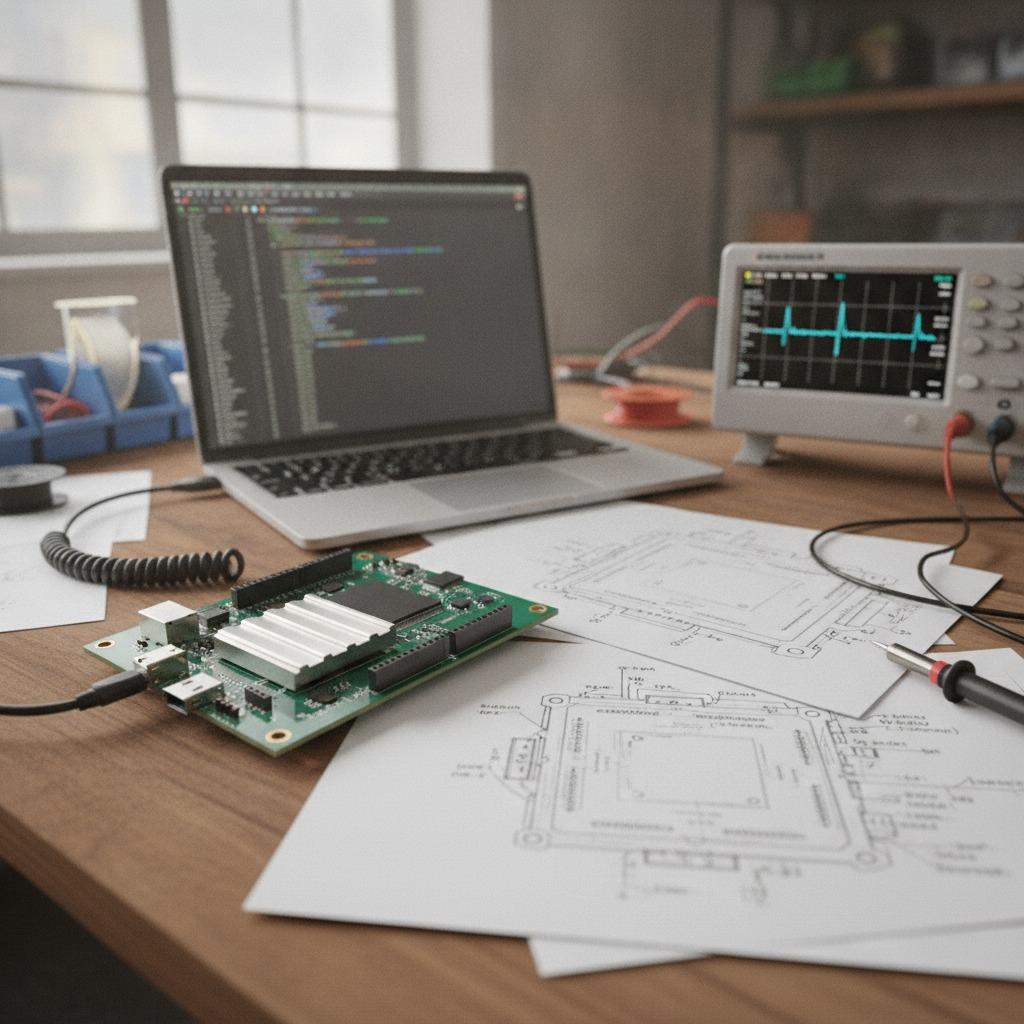
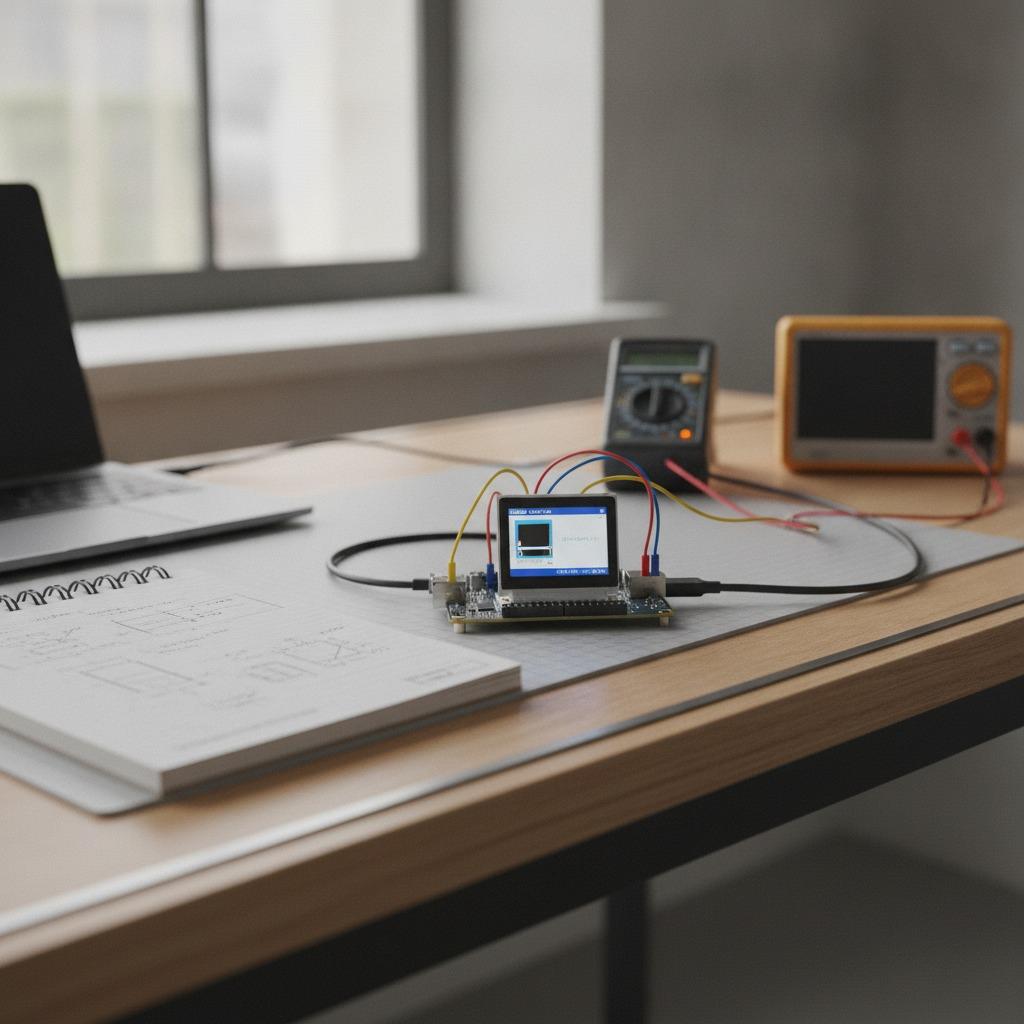
The ESP32-S3 is popular in development boards because it is well suited to connected products that need a local interface. It is commonly used for Wi-Fi and Bluetooth applications, and its hardware is often chosen for graphical user interfaces, simple edge intelligence, sensor hubs, and compact control panels. In practice, that means teams can prototype a device that talks to the cloud, reads sensors, and presents data on a small screen without jumping immediately into custom PCB work.
That said, the board is only part of the system. Memory size, flash capacity, peripheral routing, display interface, and software framework support all influence whether the prototype will behave like a real product. A board that looks convenient on the bench may still become awkward if the I/O map is cramped or the display stack is poorly documented.
When a display board is the better choice
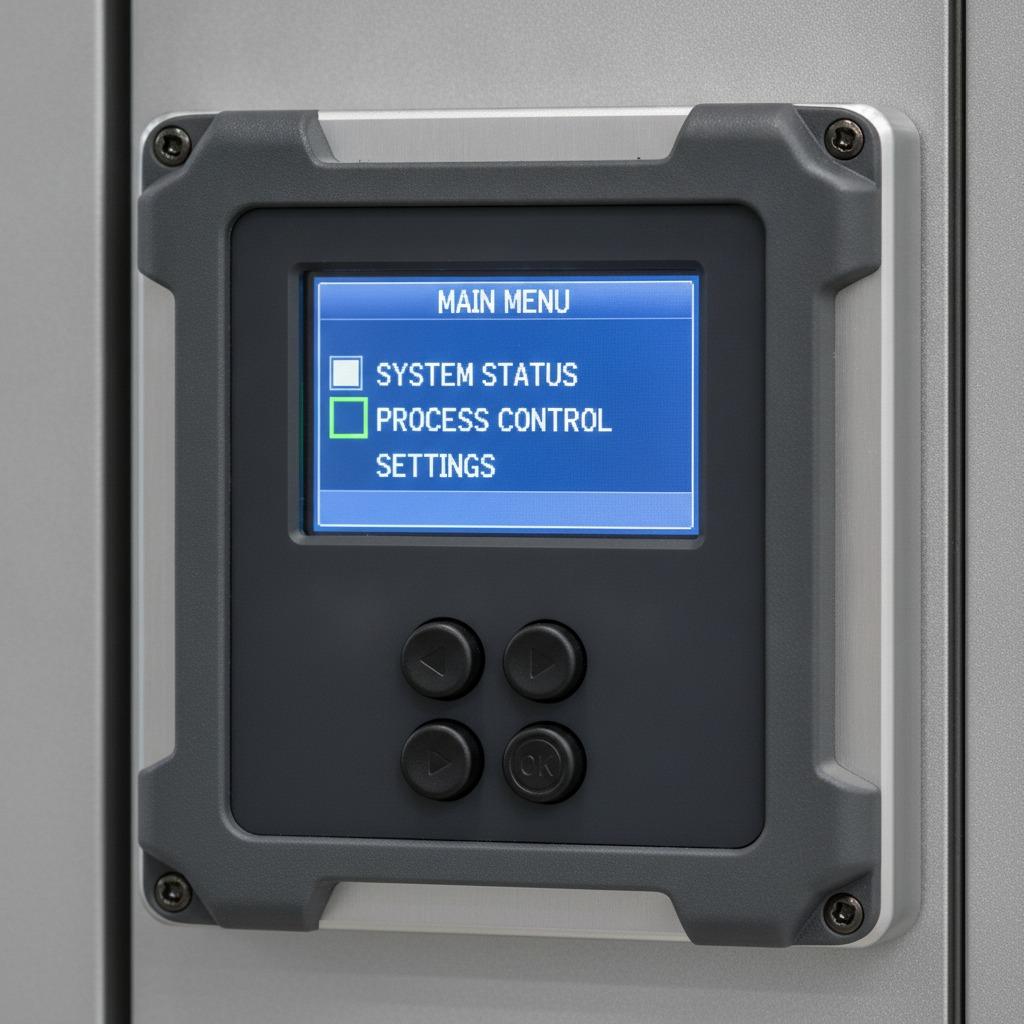
Many teams start with a plain controller board and then discover that the user interface is where the schedule begins to slip. That is where a LVGL display board can be the more sensible starting point. LVGL is widely used for embedded graphics because it supports responsive, touch-driven interfaces without forcing the product into a full desktop-style software model. If the end product needs menus, settings pages, status dashboards, or small animation elements, a display-ready board can save several rounds of rework.
A 1.47 inch LCD development board is a compact example of that direction. It is not meant to replace a full HMI panel, but it can be useful for wearables, handheld devices, portable testers, and space-constrained controls where a small color display is enough. The small form factor is attractive, though buyers should be realistic: a tiny display can still create integration headaches if the brightness is weak, the touch layer is noisy, or the connector layout is awkward for the enclosure.
Display and touch details that matter more than the headline size
In board comparisons, the display controller and touch controller usually matter more than the marketing name. A ST7789 GT911 ESP32 screen pairing, for example, points to a common approach: the display controller handles the LCD, while the touch controller manages capacitive input. For product teams, the practical question is whether the software stack is mature enough, whether the pin mapping is clear, and whether the refresh rate is sufficient for the intended UI.
A board advertised as an Arduino ESP32-S3 LCD option may be attractive because it lowers the barrier for proof-of-concept work. Arduino compatibility can help with onboarding, libraries, and early demo builds. Still, a buyer should not assume that Arduino convenience solves every problem. Touch responsiveness, backlight current, and the quality of the board layout remain physical realities, not software preferences.
Selection criteria that save time later
When comparing boards, start with the workload. If the application is mostly sensor reading and wireless reporting, a simpler board may be enough. If the project includes animated UI, touch input, or frequent screen updates, check the memory configuration first. Graphics frameworks consume resources faster than many teams expect, especially when the interface grows beyond a few static pages.
Next, review the peripheral access. Are the pins exposed in a way that supports your sensors, relays, or external memory? Is USB available in a form that fits your debug and production strategy? Does the antenna layout suit your enclosure? These are not glamorous questions, but they decide whether a prototype is merely functional or genuinely portable into production.
Software support deserves the same attention. A board can be perfectly capable and still be painful to adopt if example code is sparse or drivers are inconsistent. That is especially true when the display, touch panel, and graphics library all need to cooperate. The easiest path is usually the one with the clearest documentation and the least amount of custom board surgery.
Common mistakes teams make with display-focused prototypes
One common mistake is assuming that a demo screen will behave the same way inside a product enclosure. Backlight heat, viewing angle, and cable routing can change the user experience in subtle but important ways. Another is underestimating how much RAM a polished interface can consume. A project that runs a basic menu may struggle once icons, fonts, and transitions are added.
Buyers also sometimes overlook component continuity. If the prototype uses a specific display module or touch IC, ask early whether that exact combination is stable for future runs. Substitutions can alter firmware behavior and mechanical fit. In low-volume prototyping, that issue is easy to ignore. In production, it is usually the problem that comes back at the worst possible time.
How hcdpcba fits into the development path
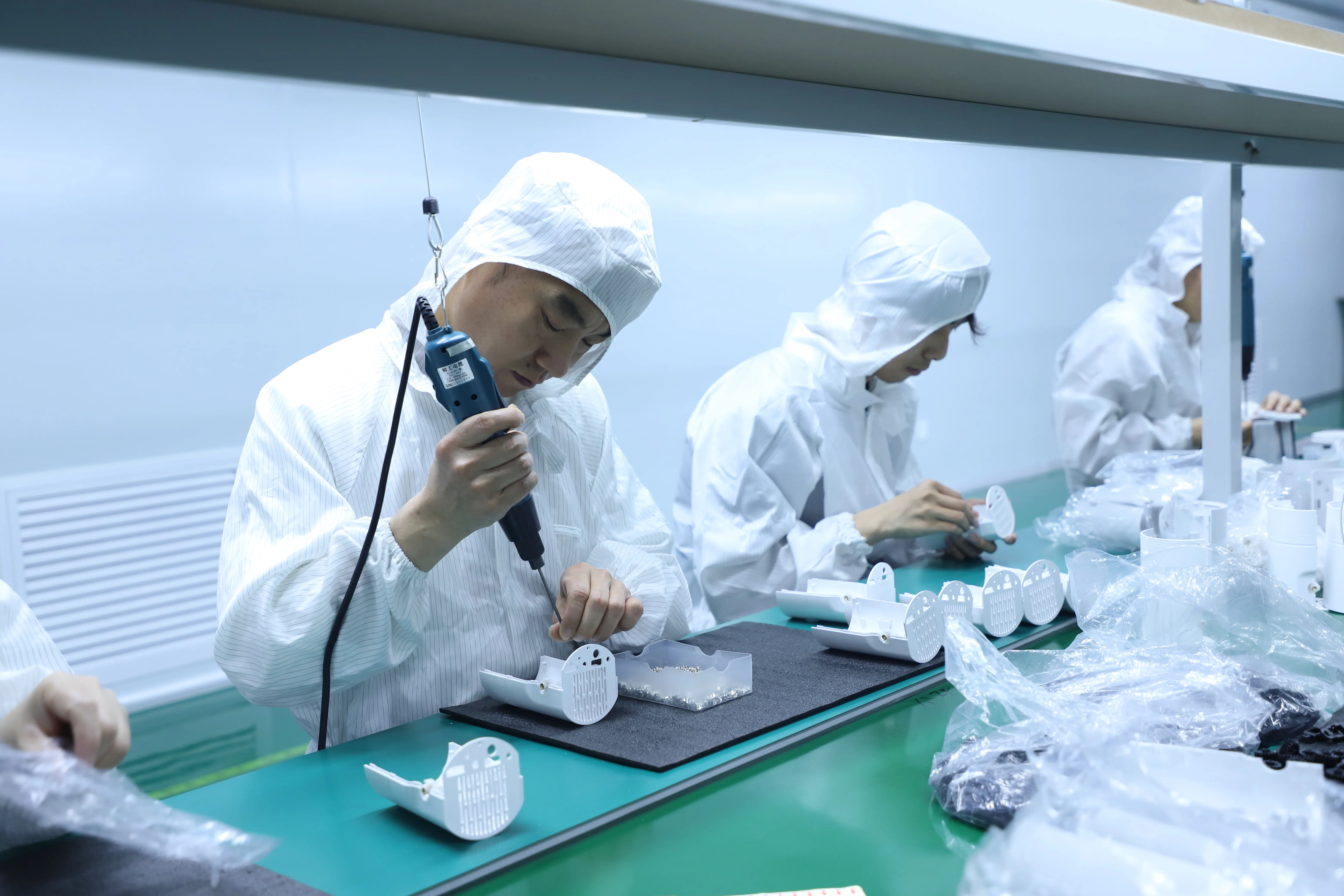
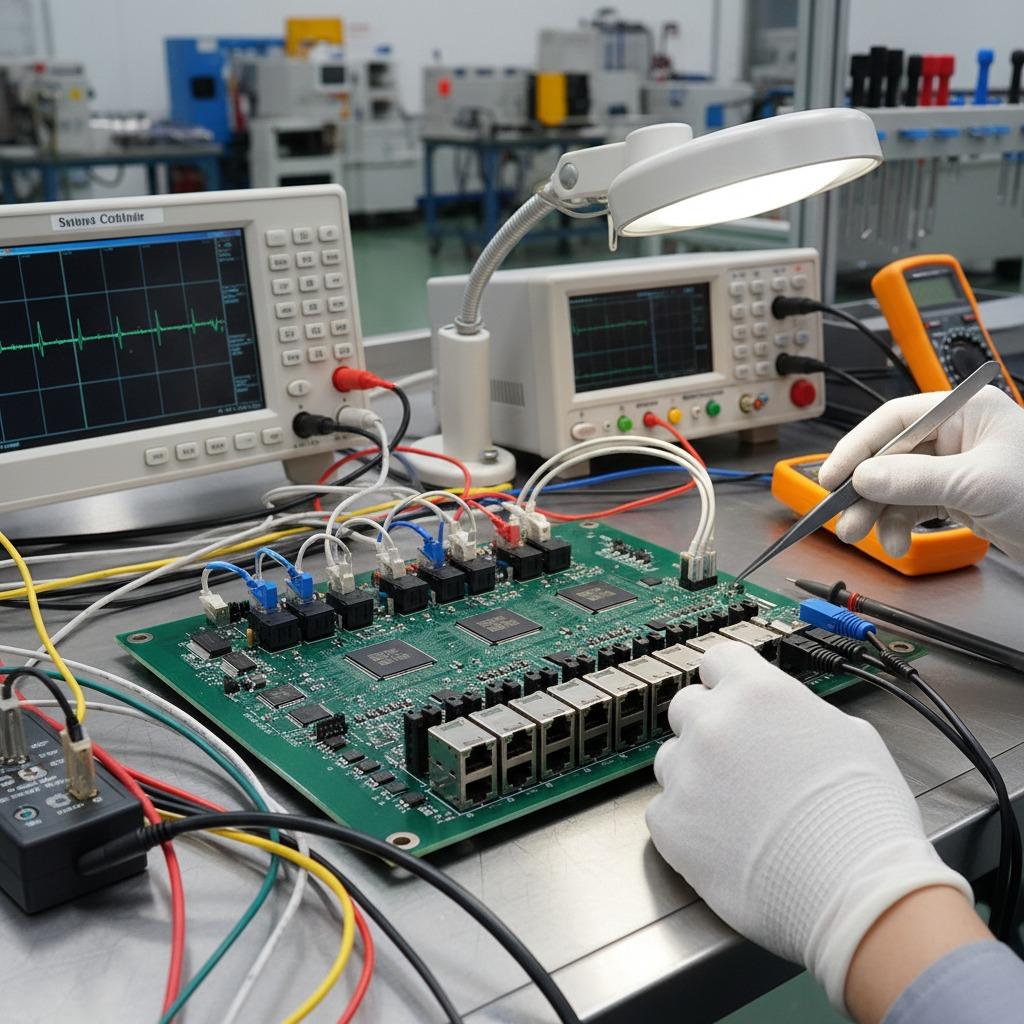
For teams that expect the prototype to move into repeatable production, the board discussion should include manufacturing from the beginning. hcdpcba provides SMT assembly, PCB prototyping, PCBA, component sourcing, assembly, testing, and DFMA support. That combination is useful when a development board is only the first step and the real work is turning a proven concept into a stable product build.
The company also supports OEM and ODM services, which can matter for industrial control, medical, automotive electronics, IoT devices, smart home products, power equipment, and communications hardware. Small-batch and large-batch production both appear to be part of the service model, and the emphasis on design-for-manufacturability can help reduce avoidable board-level issues before they become expensive.
For sourcing teams, that makes the decision less about whether the chip can work and more about whether the whole path from prototype to production is manageable. A strong development board is helpful. A manufacturable design flow is better.
Practical buyer advice before you place the order
Do not buy on screen size alone. Check the controller, the touch method, the exposed interfaces, and the software examples. If the product is UI-heavy, prioritize memory and display stability over marginal cost savings. If the application is time-sensitive, ask whether the chosen board family has a realistic path to custom PCBA later. Those questions sound basic, but they are the ones that protect schedules.
If you are comparing options for a new product, it is worth aligning the prototype board with the manufacturing plan early. A board that is easy to demo but hard to source repeatedly will slow the project later. A board that mirrors the intended production architecture, even loosely, usually gives better data.
FAQ
Is an ESP32-S3 development board suitable for production?
It can be useful in pilots and low-volume deployments, but most products eventually move to custom PCBA for cost, size, and supply-chain control.
Why choose a display-equipped board instead of a plain controller board?
Use a display-equipped board when the interface itself is part of the technical challenge. It is often the faster route for validating menu flow, touch response, and visual design.
What should I ask a manufacturer before scaling?
Ask about PCB fabrication, SMT capability, component sourcing, test coverage, and whether DFMA review is available before mass production starts.
Next step
If your team is evaluating an ESP32-S3 development board for a new device, or you need help moving from prototype to build-ready hardware, hcdpcba can support the PCB, SMT, assembly, and testing side of the process. For inquiries, call +86 18924624188 and discuss the requirements before the design is frozen. A short manufacturing review now is usually cheaper than a late-stage board spin.